> ## Documentation Index
> Fetch the complete documentation index at: https://docs.akua.dev/llms.txt
> Use this file to discover all available pages before exploring further.

# Welcome to Akua

> Get started with Akua - connect agents, deploy applications, manage infrastructure, and sell cloud-native software
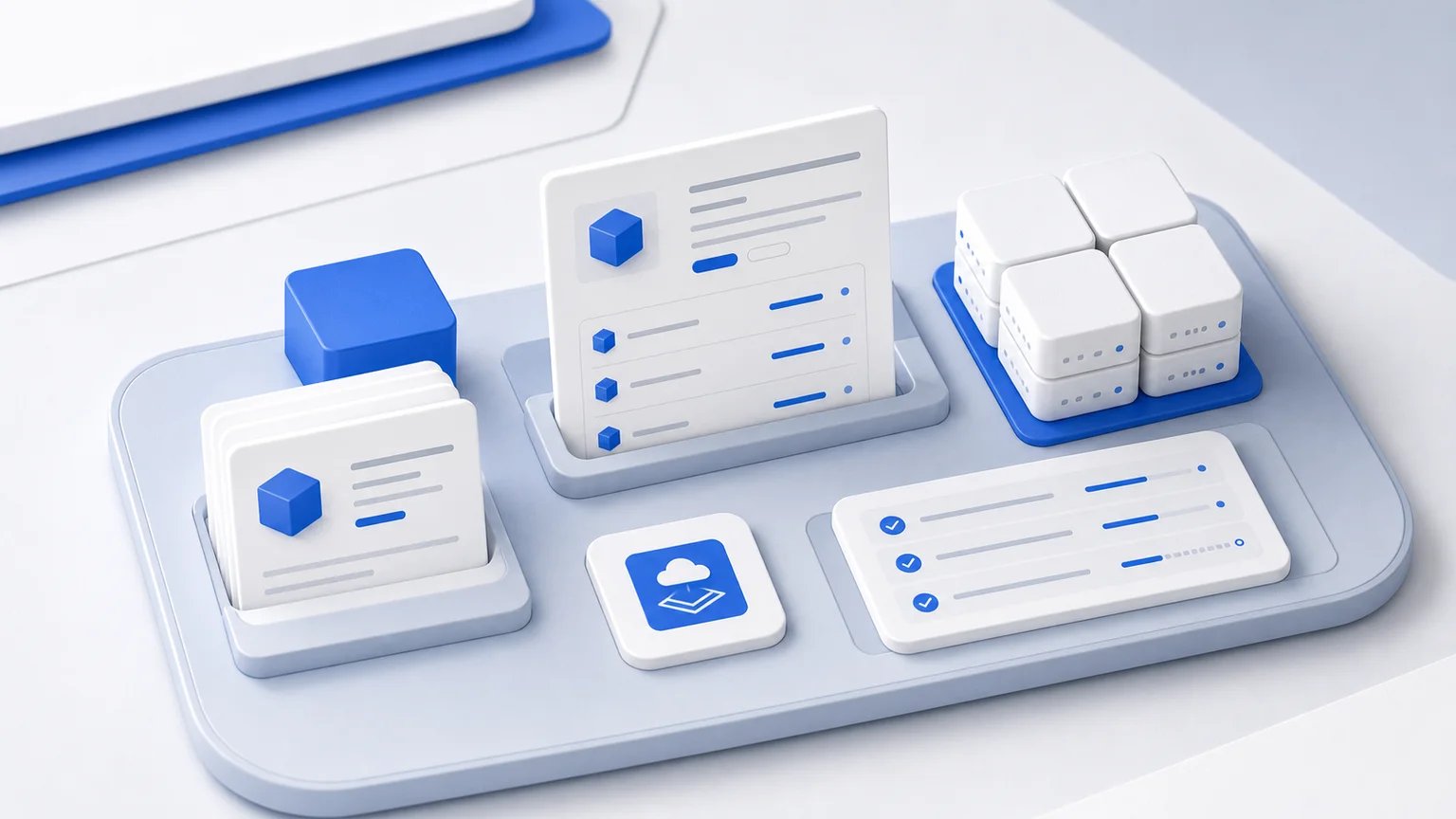
<Frame>
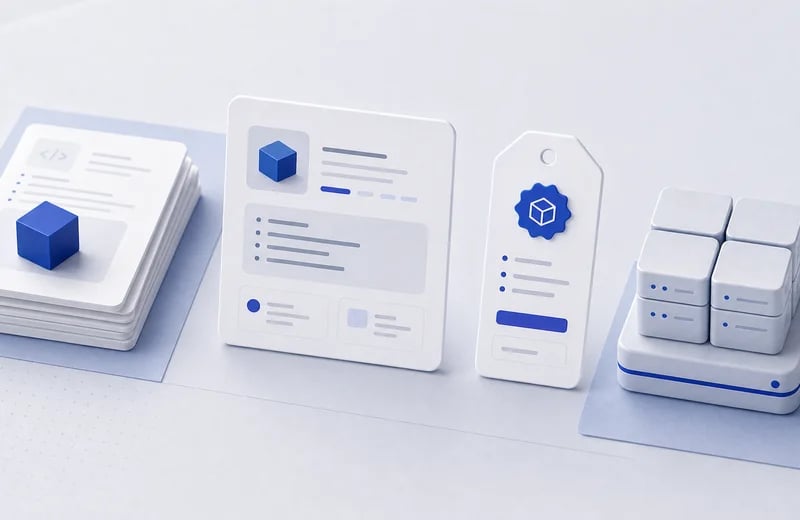
  <img src="https://mintcdn.com/akua-1dce587a/Ry7fCqOZjBeSSBr-/images/welcome/docs-overview.webp?fit=max&auto=format&n=Ry7fCqOZjBeSSBr-&q=85&s=5070862de8ce9520e4ebd90aea179297" alt="Workspace tray with package, product, cluster, and install objects" decoding="async" width="1536" height="864" data-path="images/welcome/docs-overview.webp" />
</Frame>

Akua is the cloud-native application platform for agents and teams. Connect an agent, deploy applications, manage infrastructure, and sell your software from one workspace.

## Choose your path
<Columns cols={2}>
  <Tile href="/quickstart" title="Connect your agent" description="Create or open a workspace, fetch the agent prompt, and request a briefing.">
    <img src="https://mintcdn.com/akua-1dce587a/Ry7fCqOZjBeSSBr-/images/welcome/quickstart.webp?fit=max&auto=format&n=Ry7fCqOZjBeSSBr-&q=85&s=a2ded88d5416576aff1d2144f066943f" alt="Akua quickstart path for connecting an agent to a workspace" loading="lazy" decoding="async" width="800" height="520" data-path="images/welcome/quickstart.webp" />
  </Tile>

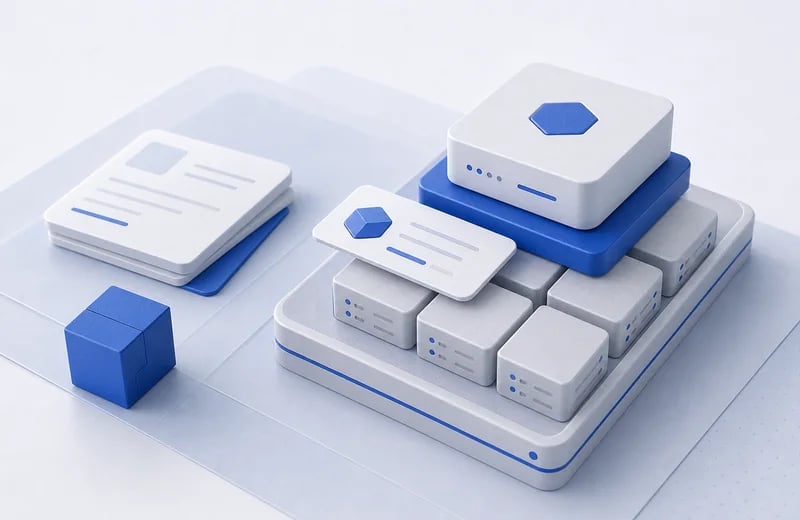
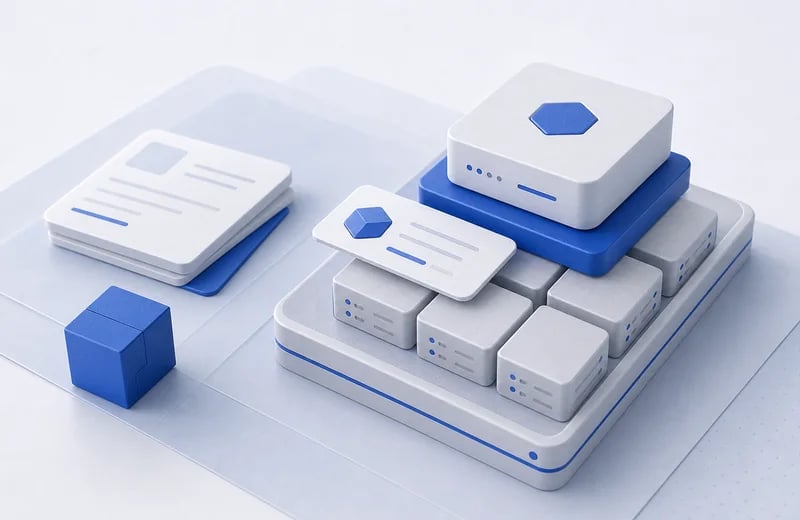
  <Tile href="/clusters" title="Deploy applications" description="Set up infrastructure and deploy applications for your team or customers. Start with managed clusters or import your own.">
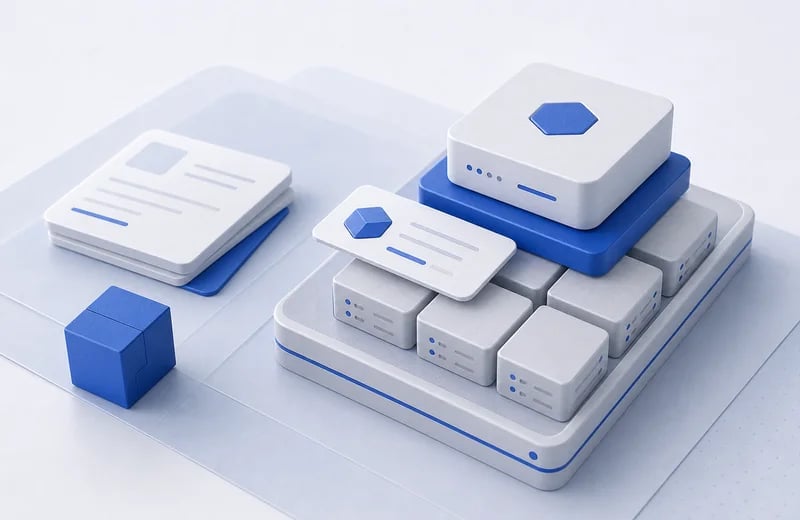
    <img src="https://mintcdn.com/akua-1dce587a/Ry7fCqOZjBeSSBr-/images/welcome/deploy-apps.webp?fit=max&auto=format&n=Ry7fCqOZjBeSSBr-&q=85&s=585ccba60d1435f2cba230daccaa3d86" alt="Managed cluster blocks with an installed product card" loading="lazy" decoding="async" width="800" height="520" data-path="images/welcome/deploy-apps.webp" />
  </Tile>

  <Tile href="/capabilities" title="Explore platform capabilities" description="Map Compute, Packaging, Delivery, Networking, Commerce, Agents, and Platform to the right docs area.">
    <img src="https://mintcdn.com/akua-1dce587a/Ry7fCqOZjBeSSBr-/images/welcome/use-cases.webp?fit=max&auto=format&n=Ry7fCqOZjBeSSBr-&q=85&s=06d303c053b6f3b4e866e831202f16dd" alt="Workspace tray grouping package, product, cluster, and install objects" loading="lazy" decoding="async" width="800" height="520" data-path="images/welcome/use-cases.webp" />
  </Tile>

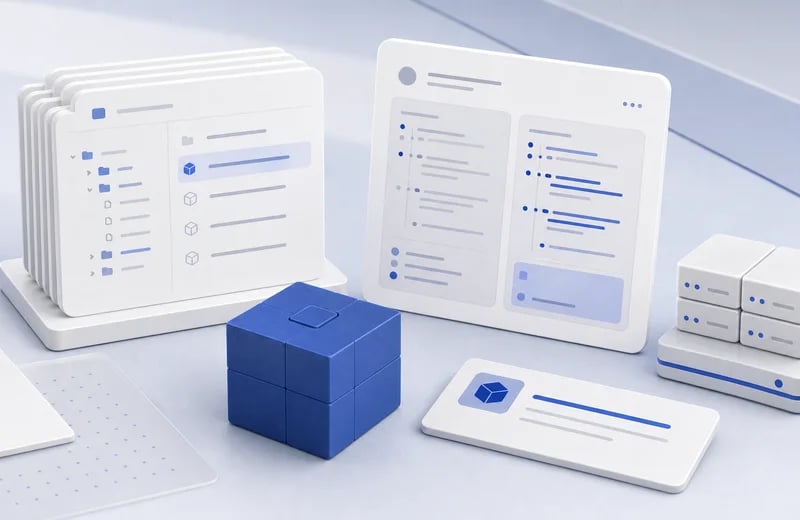
  <Tile href="/concepts" title="Learn the concepts" description="Understand how sources, Packages, Products, Offers, installations, and per-install repositories fit together.">
    <img src="https://mintcdn.com/akua-1dce587a/Ry7fCqOZjBeSSBr-/images/welcome/learn-concepts.webp?fit=max&auto=format&n=Ry7fCqOZjBeSSBr-&q=85&s=5e5b87971bb331c63ffbda5b71bac5b7" alt="Repository cards, package cube, review card, and install destination" loading="lazy" decoding="async" width="800" height="520" data-path="images/welcome/learn-concepts.webp" />
  </Tile>
</Columns>

## Quick links

<Columns cols={3}>
  <Tile href="/quickstart" title="Quickstart" description="Create or open a workspace, fetch the agent prompt, and request a briefing">
    <img src="https://mintcdn.com/akua-1dce587a/Ry7fCqOZjBeSSBr-/images/welcome/quickstart.webp?fit=max&auto=format&n=Ry7fCqOZjBeSSBr-&q=85&s=a2ded88d5416576aff1d2144f066943f" alt="Akua quickstart path for connecting an agent to a workspace" loading="lazy" decoding="async" width="800" height="520" data-path="images/welcome/quickstart.webp" />
  </Tile>

  <Tile href="/clusters/create" title="Create a cluster" description="Set up your first Kubernetes cluster">
    <img src="https://mintcdn.com/akua-1dce587a/Ry7fCqOZjBeSSBr-/images/welcome/create-cluster.webp?fit=max&auto=format&n=Ry7fCqOZjBeSSBr-&q=85&s=ae2a53afca5d64fe56a3af747038b3b6" alt="Managed control plane and worker blocks with an install card" loading="lazy" decoding="async" width="800" height="520" data-path="images/welcome/create-cluster.webp" />
  </Tile>

  <Tile href="/products" title="Sellable products" description="Wrap a Package version into something customers can buy through the marketplace or an Offer">
    <img src="https://mintcdn.com/akua-1dce587a/Ry7fCqOZjBeSSBr-/images/welcome/products.webp?fit=max&auto=format&n=Ry7fCqOZjBeSSBr-&q=85&s=5a664d134fb94836e0767c22d36ae71b" alt="Package cube, product listing card, offer card, and install destination" loading="lazy" decoding="async" width="800" height="520" data-path="images/welcome/products.webp" />
  </Tile>

  <Tile href="/marketplace/offers" title="Offers & Commerce" description="Create private offer links and guide customers through install">
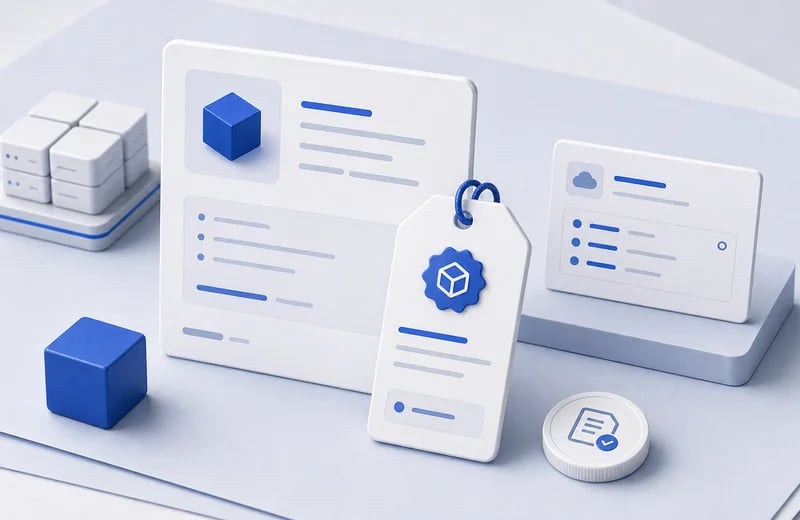
    <img src="https://mintcdn.com/akua-1dce587a/Ry7fCqOZjBeSSBr-/images/welcome/marketplace.webp?fit=max&auto=format&n=Ry7fCqOZjBeSSBr-&q=85&s=2f1670ac7e291aca3b763cde7757b7a5" alt="Product card, private offer tag, customer install card, and terms token" loading="lazy" decoding="async" width="800" height="520" data-path="images/welcome/marketplace.webp" />
  </Tile>

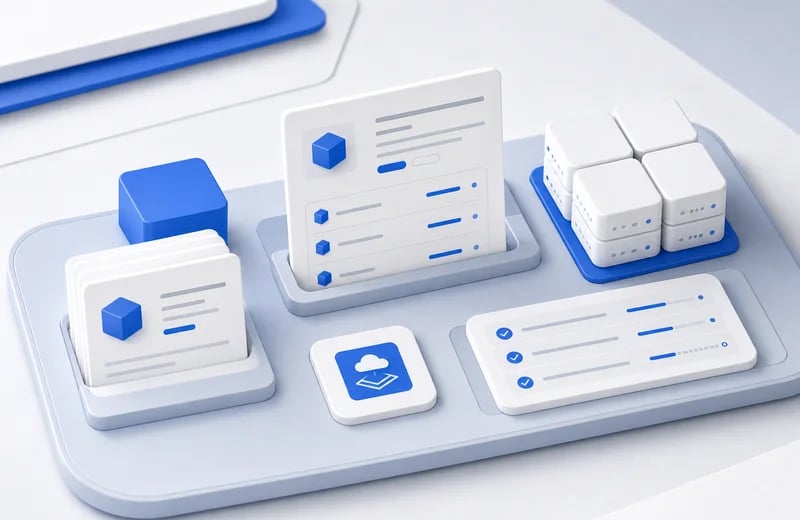
  <Tile href="/ai" title="AI & Agents" description="Connect agents through MCP or use hosted agents in the dashboard">
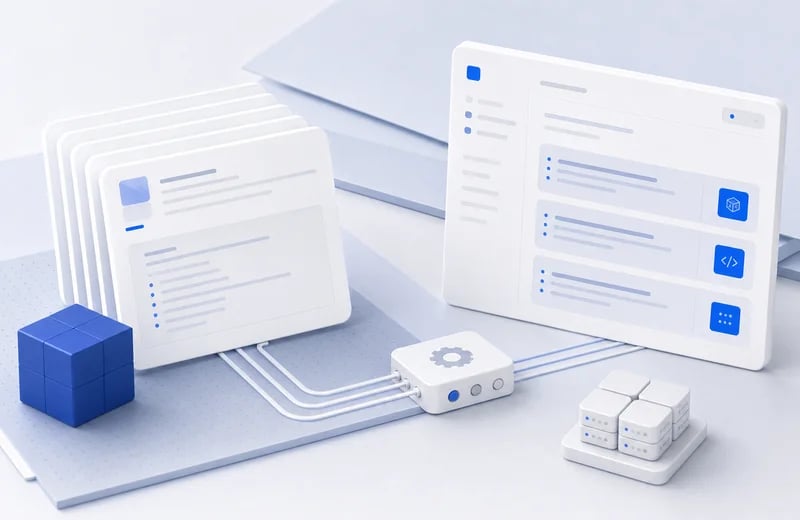
    <img src="https://mintcdn.com/akua-1dce587a/Ry7fCqOZjBeSSBr-/images/welcome/docs-mcp.webp?fit=max&auto=format&n=Ry7fCqOZjBeSSBr-&q=85&s=068db486867e6c2e7258e7de5d4b59a9" alt="Documentation cards, tool connector block, AI tool panel, and package cube" loading="lazy" decoding="async" width="800" height="520" data-path="images/welcome/docs-mcp.webp" />
  </Tile>

  <Tile href="/clusters" title="KaaS" description="Fully managed Kubernetes infrastructure">
    <img src="https://mintcdn.com/akua-1dce587a/Ry7fCqOZjBeSSBr-/images/welcome/kaas.webp?fit=max&auto=format&n=Ry7fCqOZjBeSSBr-&q=85&s=c7dddc0fa2505150a2f212b4eff6014e" alt="Managed control plane above grouped worker blocks with an installed product card" loading="lazy" decoding="async" width="800" height="520" data-path="images/welcome/kaas.webp" />
  </Tile>
</Columns>

<Tip>
  Most users start with the [Quickstart](/quickstart) to connect an agent, then ask that agent to prepare compute, package software, or create a Product.
</Tip>